On this page
Getting Started
Start with Kater
Accept the invitation, then connect Claude or ChatGPT to Kater from Get started, and ask your first question.
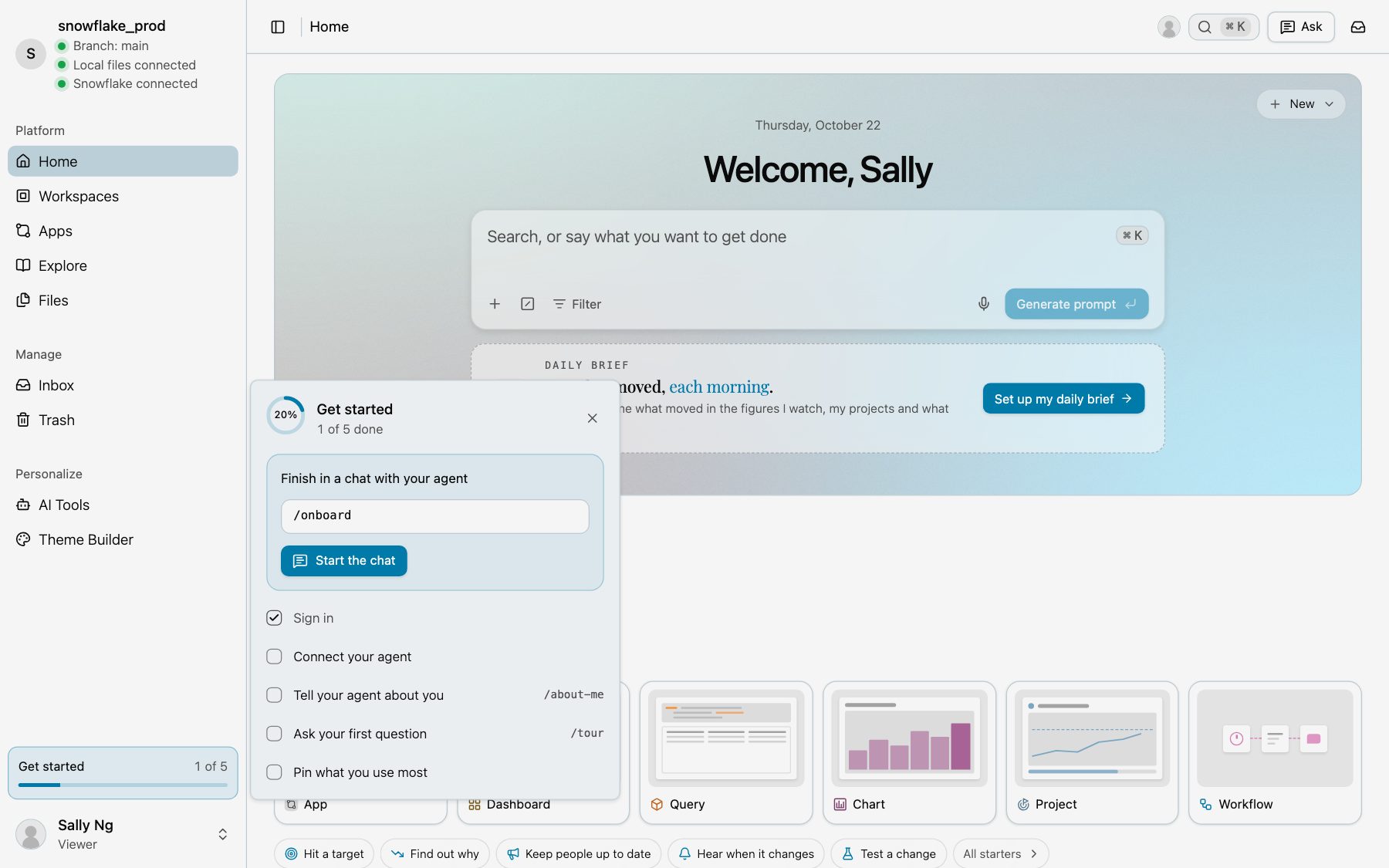
Accept the invitation from your admin. In Kater, open Get started at the foot of the sidebar and select Connect your agent.
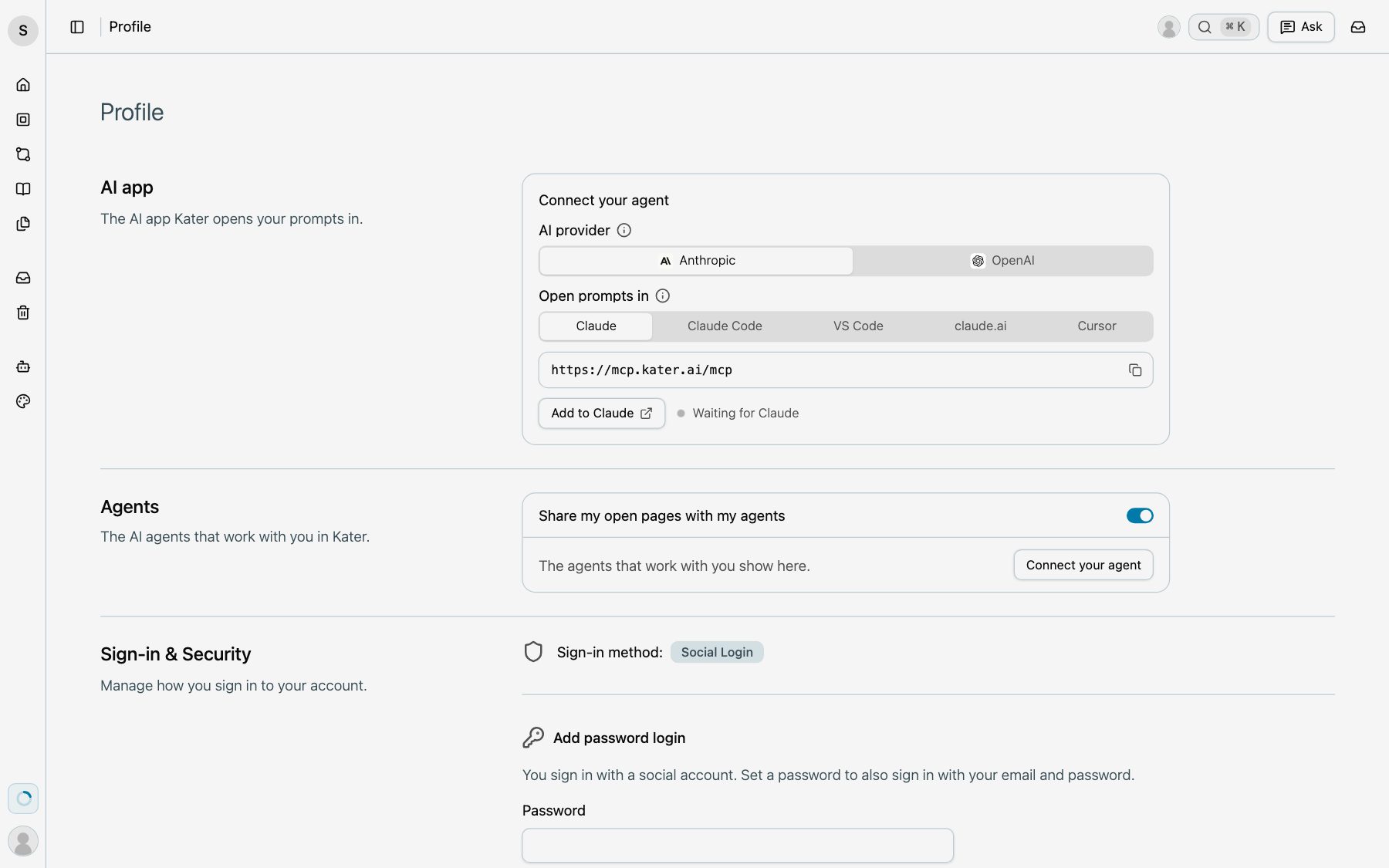
Select Add to Claude. For ChatGPT, select OpenAI first, then Add to ChatGPT. Sign in to Kater there. Then ask your agent your first question about your company’s data.
What you can do next is in Business teams.