On this page
Getting Started
Start as a Developer
Accept the invitation, then give your agent the prompt from Get started. It sets up your computer in one chat.
Accept the invitation from your admin. In Kater, open Get started at the foot of the sidebar. Set up your computer has this prompt. Give it to your agent:
Set up Kater for me.
---
Install the Kater CLI with `curl -fsSL https://landing.kater.ai/install.sh | sh`. Then run `kater init guide` and follow it.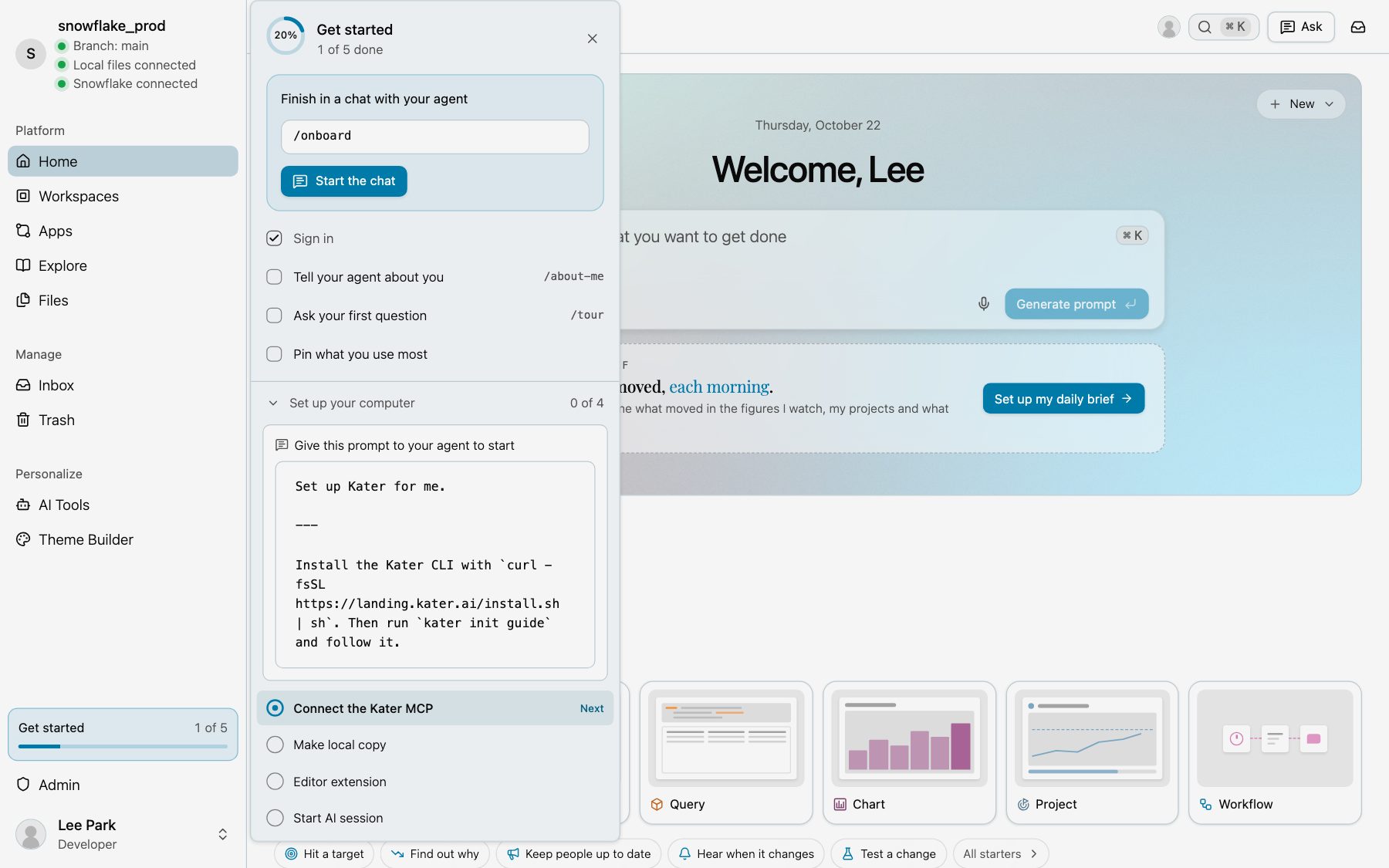
Your agent installs the Kater CLI, signs you in and connects the Kater MCP. Then it makes your local copy, installs the editor extension and sets itself up in the local copy. It takes about 5 minutes.
What to do next is in Data teams.