On this page
Getting Started
Set up Kater
Start your free trial, then give one prompt to your agent. It sets up Kater with you in one chat.
Start your free trial at kater.ai. Then give this prompt to an agent that runs commands on your Mac or Linux computer, such as Claude Code or Codex:
Set up Kater for me.
---
Install the Kater CLI with `curl -fsSL https://landing.kater.ai/install.sh | sh`. Then run `kater init guide` and follow it.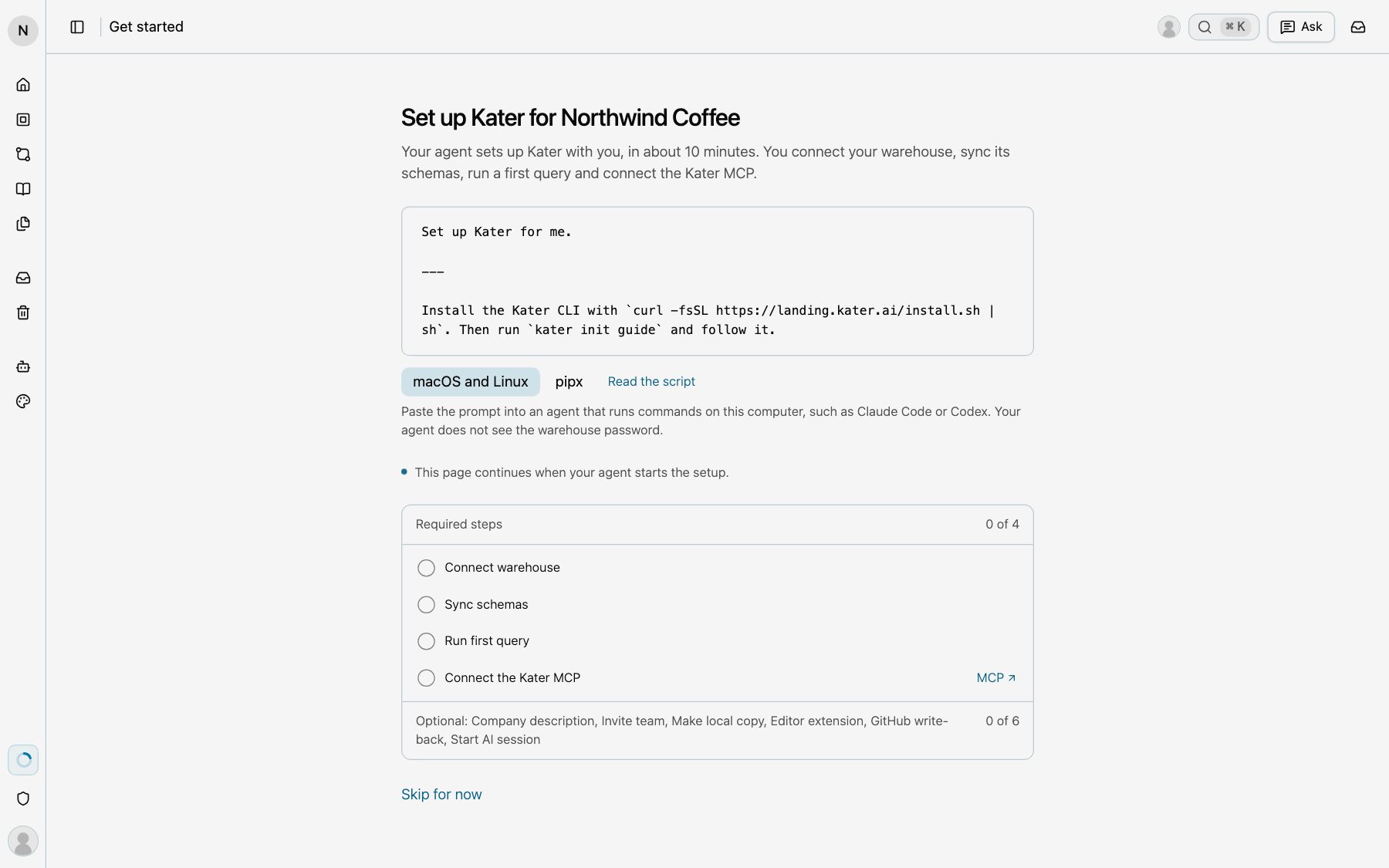
Your agent installs the Kater CLI and sets up Kater with you in one chat, in about 10 minutes. It connects Snowflake, syncs its schemas, runs a first query and connects the Kater MCP. Then it asks about the optional steps: your company’s description, your team, a local copy, the editor extension and GitHub write-back. Your agent asks before each choice, and it does not see the warehouse password.
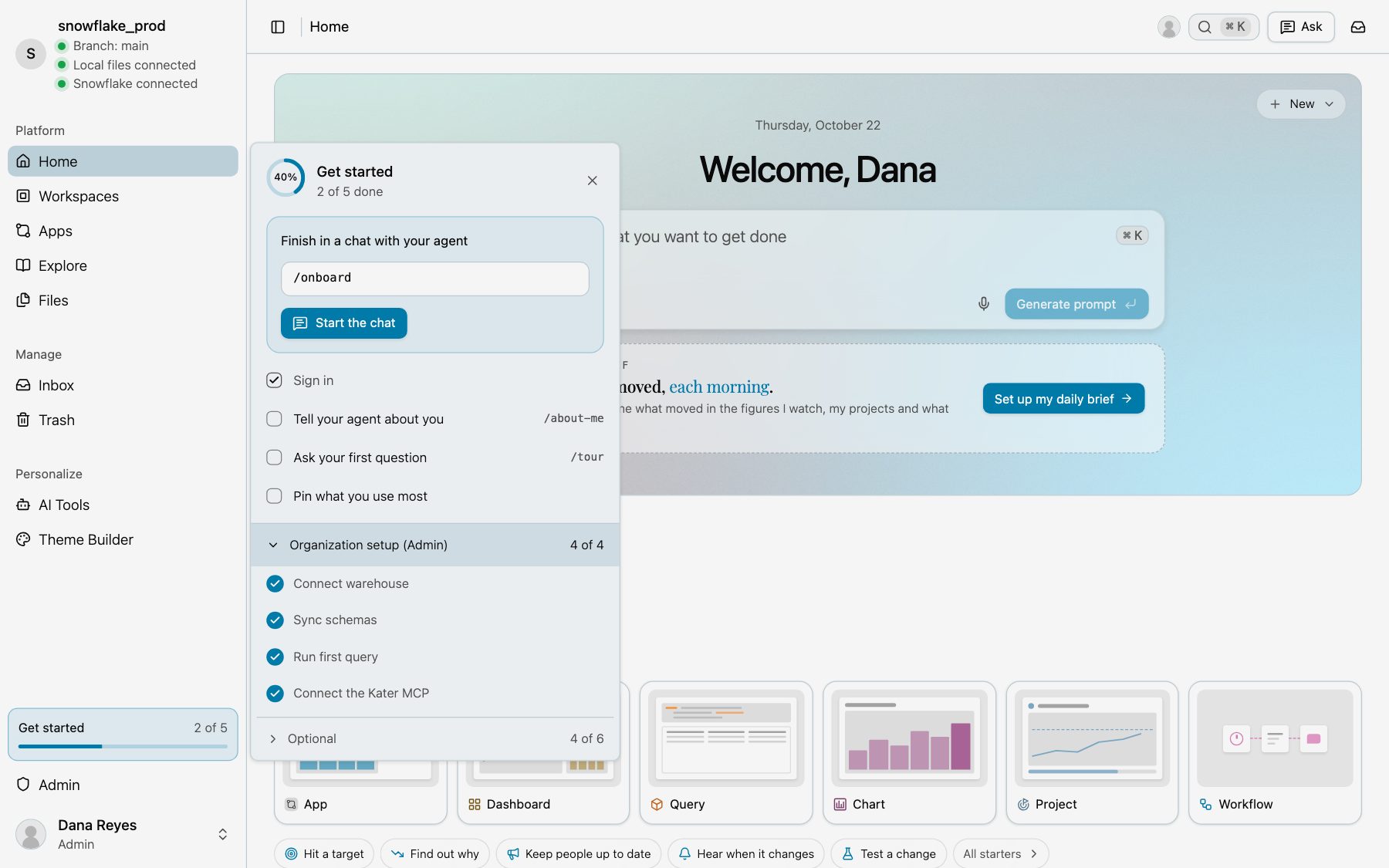
Each step in detail is in Organisation setup.