On this page
Kater CLI Topics
Commands agents and the Files terminal cannot run
The commands that run only in your own terminal, and how the Files terminal and the MCP run the others.
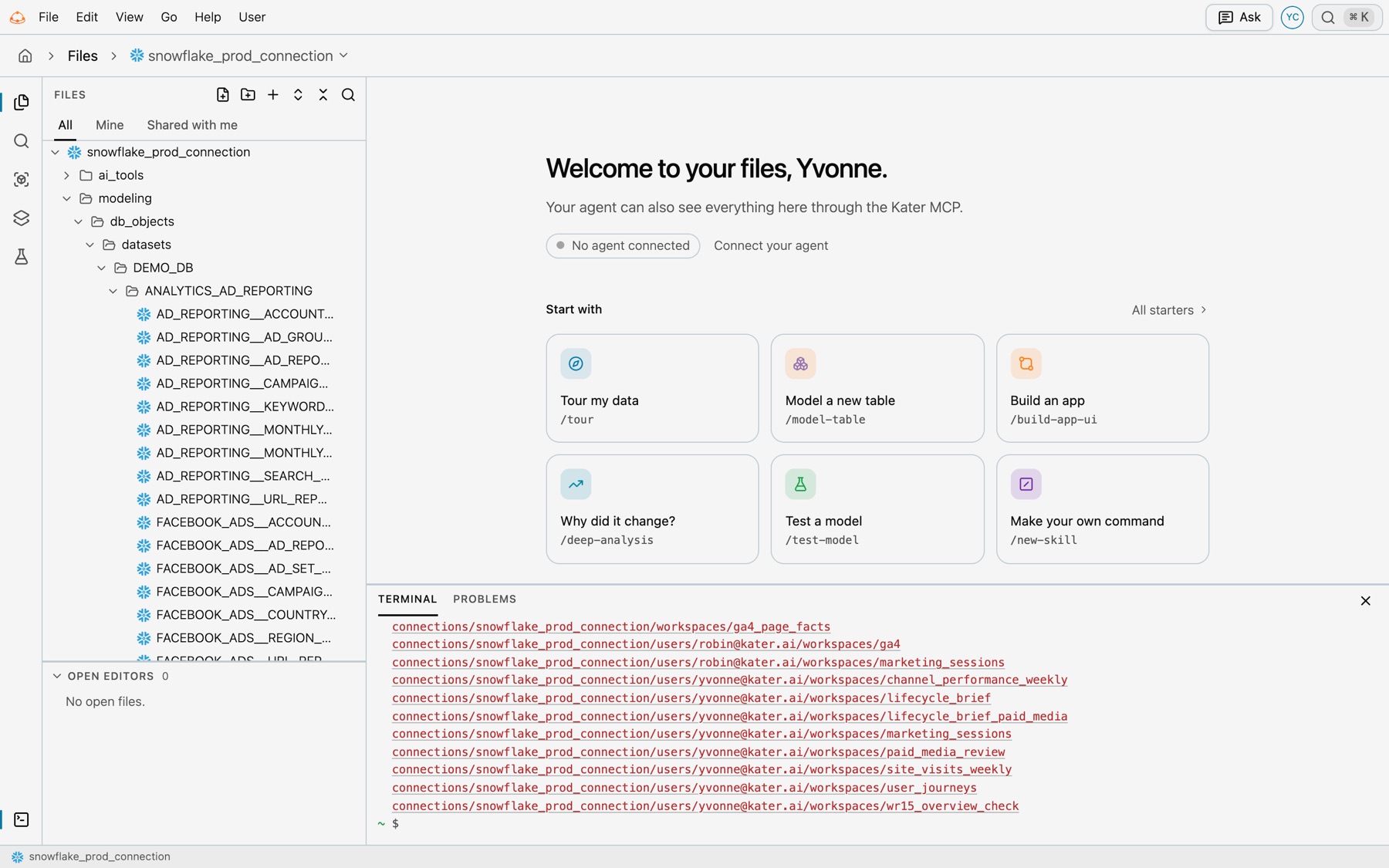
The Kater MCP’s kater tool and the portal’s Files terminal run the same CLI as you, in process. They refuse these commands, which belong in your own terminal or the portal.
| Command | Why it is refused |
|---|---|
init | It sets up an organisation. |
debug | It checks your own computer’s profile and sign-in. |
login | It signs in. |
logout | It signs out. |
auth | It reads saved credentials. |
parse | It writes target/manifest.json on your computer. |
retry | It reads target/run_results.json on your computer. |
git | It works on a local copy of the content. |
admin, except admin conversations | It changes members, access, connections, single sign-on, SCIM, Slack and the write-back to GitHub. admin conversations list and admin conversations show only read, so they run there for a person with the permission to read the audit. |
serve, worker | It starts a server. |
job | It runs scheduled jobs. |
agent | It starts a coding agent. |
vscode | It installs the editor extension. |
scope | It saves a terminal’s scope. |
- New objects. From
new, they runworkspace,query,chart,app,field,testandscratch.new semantic-model,new db-dataset,new kater-datasetandnew optionsrun only in your own terminal. - Other commands.
executiondoes not run there either, and help there does not list it. - Words. In the MCP, a command comes without the leading
kater, such asshow --select query.spend_by_platform. - Logs. Only
logs showruns, and without--follow. Agents read the audit through the MCP’srun_audit_query_templatetool. invoke. It refuseslogs.audit,logs.ingest,connection.create,connection.update,connection.testandscope. On the MCP it also refuses every operation that is not in the published Kater API, and names the command that does the same work, such askater chart create --request-file -forchart.create. The Files terminal takes those operations.- Sync. Where a real sync is not allowed,
syncruns only with--dry-run. In the Files terminal, a real sync needs permission to manage settings.sync statusalways runs. - No
--kater-root. The server picks the content root. Name what a command works on by its path under the content root. - Not a shell. Each line is one kater command: no pipes,
&&,;, redirects or command substitution. - Paths in the Files terminal. Relative paths start from the terminal’s folder, or from the content root when they start with
connections/.~is your own folder in that connection. - Where writes go. The Files terminal writes with your own access. The MCP’s
katertool writes only in the person’s brainstorm folder. Anything else goes throughkater_apply, which asks the person first. - Stop a run. In the Files terminal, ⌃C stops a run, including its warehouse query.