
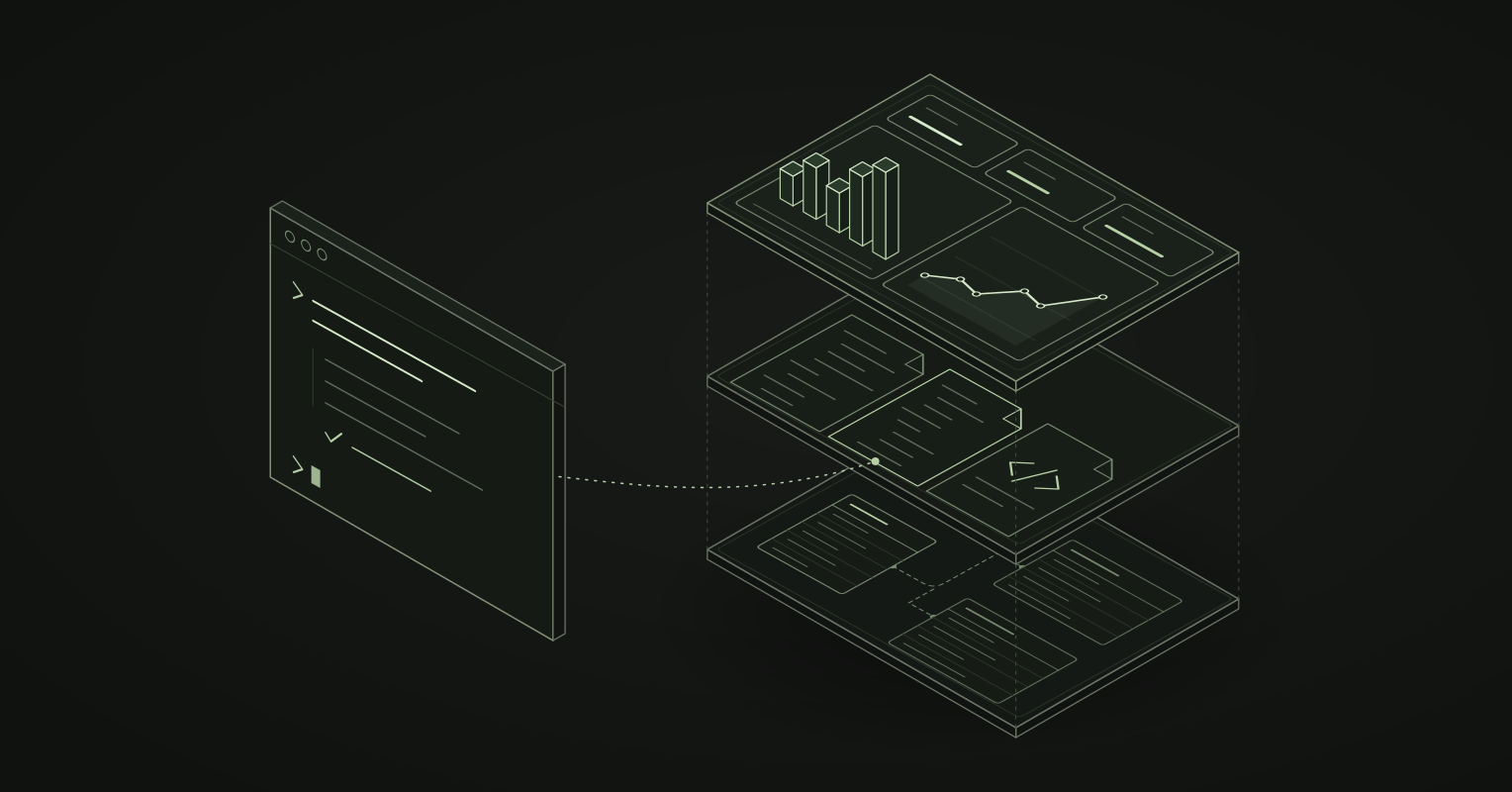
Yes, you can build dashboards as code, and you can have Claude Code, Codex or Cursor write them for you. The hard part is not the agent. It is the BI tool underneath. An agent can only build what it can read, search and change, and most BI tools keep your dashboards in a database behind a drag-and-drop editor.
Data developers ask for this all the time: “We need a BI tool, but I just want to write it, and have my agent do the work. I don’t want another no-code or low-code platform.”
We built Kater for that request. In Kater, everything is a file: the models, the queries, the charts, the dashboards, the apps and the agent’s own notes. This post explains what BI as code is, why most BI tools are black boxes to an agent, and what a BI platform needs before an agent can do real work in it.
What is BI as code?
BI as code, also called dashboards as code or analytics as code, means the definitions behind your business intelligence live as text files in version control. That includes the data model, the metrics, the queries and the dashboards. The files are the source of truth. The BI tool reads them and draws the result.
You get what software teams already have:
- History. Every change has an author, a date and a reason.
- Review. A metric change is a diff that someone reads before it ships.
- Rollback. A bad change is one revert, not an afternoon of clicking.
- Reuse. A metric is defined once, and every dashboard reads it.
- No lock-in. Files leave with you. A database inside a vendor’s tool does not.
And now there is one more reason, the largest one: agents work on files.
A note on the term: “dashboards as code” also describes monitoring dashboards in Grafana and similar tools. This post is about business intelligence: the metrics, reports and dashboards a business runs on.
Can Claude Code build dashboards?
Yes. There are two ways to do it, and they give very different results.
1. A one-off page. Ask Claude Code for a dashboard and it writes an HTML page or a Streamlit app with charts, often in minutes. That is great for a quick look. But the numbers come from SQL the agent wrote on the spot. Nothing defines revenue once, nothing refreshes it on a schedule, and nothing controls who can see it. Every new page writes revenue again, a little differently.
Ably’s Head of Product Ops described what this looks like at scale. Ably found twelve dashboards hiding in Claude skills that generated HTML. Over half of its Metabase dashboards had zero views, and the ones in use often disagreed. The faster people got answers, the faster they produced confident misinformation. Ably’s fix was a governed data layer and dashboards as code.
2. A real BI project. Point the agent at the files of a BI platform. The platform supplies the metric definitions, the permissions, the refresh and the sharing. The agent supplies the speed. That is the version a team can trust, and it needs a BI platform built from files.
Why most BI tools are black boxes to an agent
Watch a coding agent work in a codebase. It lists files, searches them with grep, reads the relevant ones, edits a few, runs the compiler and reads the diff. That loop is what makes Claude Code, Codex and Cursor good at their job.
A traditional BI tool offers that agent none of it:
- Its dashboards are state in the vendor’s database. The agent sees an API, or a screenshot of the editor. It cannot search every dashboard for the revenue formula, because there is no file to search.
- Its chat box is bolted on. A built-in assistant answers one question at a time. It cannot see the whole project, change how a metric works, or build the next dashboard.
- Its output is hard to check. There is no diff to review, so you cannot see exactly what the agent changed.
- Its work is not yours to keep. When you leave the tool, the dashboards stay behind.
So an “AI-powered” BI tool is often a black box with a chat window. An AI-native one is a BI platform an agent can work in the same way it works in a codebase.
What an AI-native BI platform needs
An agent needs six things before it can build dashboards a team can trust:
- Everything is a file. The model, the queries, the charts, the dashboards and the apps. If one layer lives only in a database, the agent cannot see it.
- A semantic layer the agent reuses. Revenue is defined once. The agent finds that definition and uses it. It does not write a new formula.
- A compiler that answers back. When the agent writes a broken query, it learns at once, with a message that says why.
- A safe place to try things. The agent needs a sandbox to plan, test and check numbers before it changes anything that people read.
- Review and undo. Every change has a diff and a way back.
- You own the result. You can pull it to your laptop, read it, search it and take it with you.
Kater is built around these six points.
In Kater, everything is a file
Kater keeps your organisation’s content in a git repository. Here is what each layer is on disk:
| Layer | File | Example |
|---|---|---|
| Warehouse tables | Generated SQL, one per table | modeling/db_objects/datasets/shop/sales/orders.sql |
| Shared metrics and semantic models | Kater SQL | modeling/kater_objects/datasets/orders.sql |
| Queries | Kater SQL with a short frontmatter | workspaces/shop/query_contracts/monthly_revenue.sql |
| Charts | SQL, with the chart in its frontmatter | workspaces/shop/charts/top_regions_chart.sql |
| Dashboards | One YAML file per workspace | workspaces/shop/dashboard.yaml |
| Apps, reports and decks | HTML, with a short manifest | apps/weekly_brief/index.html, kater.app.yaml |
| Notes, starters and skills | Markdown | users/you/brainstorm/revenue_by_region.md |
Metrics are SQL, not YAML. Kater SQL is your warehouse’s own SQL with a few additions. The shared layer defines revenue once:
-- @description Order amount before discounts.MEASURE('sum__amount', KATER__SUM(orders.amount), NOT_ADDITIVE_ACROSS(currency)) AS "Revenue",A query in a workspace reuses it by name. It never says how revenue is calculated:
---name: monthly_revenuemodel_type: querylabel: Monthly Revenue---
SELECT KATER__MONTH(shop.order_month), shop.currency, shop.sum__amountFROM workspace.shop AS shopGROUP BY KATER__MONTH(shop.order_month), shop.currencyKater compiles that query to your warehouse’s SQL. If the shared definition of revenue changes, every query, chart, dashboard and app that reads it changes with it.
A dashboard is one file. It says which charts go where, and which filters it opens with:
template: contractfilters: - order_datetakeaways: []sections: overview: label: Overview index: 0tiles: - chart: monthly_revenue_chart section: overview x: 0 span: 8 height: 448 - chart: top_regions_chart section: overview x: 8 span: 4 height: 448An app is an HTML page. Kater’s tags draw live query results, so the page never holds a copy of the numbers:
<kater-chart query="connections/duckdb_sample/workspaces/shop/monthly_revenue" kind="line" heading="Revenue by month"></kater-chart>Because it is all files, an agent can grep every dashboard for a metric, read the definition behind a number, and change ten files in one commit. You can do the same, with the editor and the tools you already use.
Build a dashboard with Claude Code in Kater
-
Connect your agent. Connect Claude Code, Codex or Cursor to your organisation’s Kater MCP. It gives the agent
glob,grep,read_file,write_fileandedit_fileon the files you can read. Or pull a local copy and start your agent in it:Terminal window kater git clone ~/katercd ~/katerkater agent claude -
Describe the dashboard. For example: “Add a revenue by region chart to the Shop dashboard, next to monthly revenue. Use the shared revenue measure.”
-
The agent searches first. It greps the workspace and the shared layer, and finds that revenue is already defined. It reuses that measure. It does not write its own.
-
The agent writes the files, and Kater checks them. It writes the chart’s query and adds a tile to
dashboard.yaml. Through the MCP, Kater compiles every Kater SQL file before it saves it, and refuses a file with an error. In a local copy,kater compileruns the same check, and exits non-zero so CI cannot merge a broken file. -
You review the change. Read it as a diff with
git diff, or open the workspace’s History in the portal. Every change shows what it did, and you can undo it. -
You publish. In a local copy,
kater git pushpublishes your commits as one change. Kater checks your permissions on the server before it applies anything.
Your agent brainstorms with you
An agent that can only change live dashboards has to be careful about everything. So in Kater, every person has a private brainstorm folder. It is the agent’s sandbox.
There, the agent writes its plan as a Markdown note, tries the change on a copy, runs the queries and checks the numbers. It creates and changes files in that folder without asking. Then it shows you the result and asks one question. Nothing leaves the folder until you say yes.
You see everything it made, because everything it made is a file. The note records what ran and what came back, so you can read its reasoning the next morning. Every figure comes from a query that ran on your warehouse, never from the agent’s own arithmetic.
For quick questions outside any workspace, the agent can also use the Sandbox: scratch SQL that runs on the shared models or on your warehouse tables.
Other BI-as-code tools
Several tools store some of their BI as files. Each makes a different trade-off:
- Looker keeps its semantic model in LookML files in git. LookML dashboards can live there too.
- Power BI can save a report as a project, with the model in text files that git can track.
- Lightdash builds BI on a dbt project. Its charts and dashboards can be downloaded and uploaded as YAML.
- Evidence builds reports from Markdown files with SQL in them.
- Rill defines metrics and dashboards in YAML and SQL files.
- Streamlit and Hex let you write data apps in Python and SQL.
Kater differs in scope. Every layer is a file, from the generated file for each warehouse table to the app a stakeholder opens. That includes the agent’s notes and skills. Kater does not need dbt: schema sync writes a file for each warehouse table, and you model on top of it in Kater SQL. The agent tools are built in: an MCP with file search, compile on write, a private brainstorm folder, and History with undo on every change. And you can write the shared layer back to your own GitHub repository.
When BI as code is not worth it
BI as code asks someone to work in files. If you have three dashboards and no one on the team writes SQL, a hosted drag-and-drop tool may be enough for now.
But the cost of BI as code was mostly typing: writing YAML and SQL by hand, and keeping it tidy. A coding agent now does most of that. What is left is the part a person should do: decide what a metric means, read the diff, and approve the change.
Business users do not write code in Kater. They read dashboards and apps in the browser, or ask their own agent in Claude, ChatGPT or Slack. Every answer uses the definitions the data team governs.
The agentic, AI-native BI platform
Most BI tools added an AI feature. We built Kater so an agent can do all of the work. It is the BI platform for the way data teams now build: in files, with an agent beside them, and with everything they make in their own hands.
Start with What is Kater?, or work in a local copy and point your agent at it.
Frequently asked questions
What is BI as code?
BI as code means the definitions behind your business intelligence live as text files in version control: the data model, the metrics, the queries and the dashboards. The files are the source of truth, and the BI tool reads them to draw the result. You get history, review, rollback and reuse, the same as for application code.
Can I build dashboards as code?
Yes. Some BI tools store dashboards as files: Looker LookML dashboards, Power BI projects, and tools such as Lightdash, Evidence and Rill. In Kater, every layer is a file in git. Models and queries are SQL, each dashboard is one dashboard.yaml file, and apps are HTML pages.
Can Claude Code build dashboards?
Yes. Claude Code can write a one-off HTML page or Streamlit app, but the numbers come from SQL it wrote on the spot, with no shared definitions, refresh or permissions. For dashboards a team can trust, point Claude Code at a BI-as-code project, where it reuses governed metrics and every change is a reviewable diff.
Can an AI agent build my BI without a no-code or low-code tool?
Yes, if your BI tool stores its work as files. A coding agent such as Claude Code, Codex or Cursor works by listing, searching, reading and editing files, then reading the diff. A drag-and-drop editor offers it none of those. With BI as code, you describe the dashboard and the agent writes it.
What is AI-native BI?
AI-native BI is a BI platform that an AI agent can do all of its work in, not a chat box added to an old dashboard tool. It keeps everything as files the agent can read and change, gives the agent governed metrics to reuse, checks every change it makes, and lets people review and undo that change.
Why does an AI agent need a semantic layer?
Without one, the agent writes a new revenue formula for every dashboard, and two dashboards soon disagree. A semantic layer defines each metric once. The agent reuses that definition instead of guessing SQL, so the number means the same thing in every dashboard, app and answer.
Will AI edits break my production dashboards?
Not if the platform checks them. In Kater, a write through the MCP is compiled first and refused if it has an error. Every change has a diff, a History entry and an undo. An agent tries work in a private brainstorm folder first, and asks before anything leaves it.
Do business users have to write code?
No. Builders and their agents work in the files. Business users read dashboards and apps in the browser, or ask their own agent a question in Claude, ChatGPT or Slack. Every answer comes from the same governed definitions.