
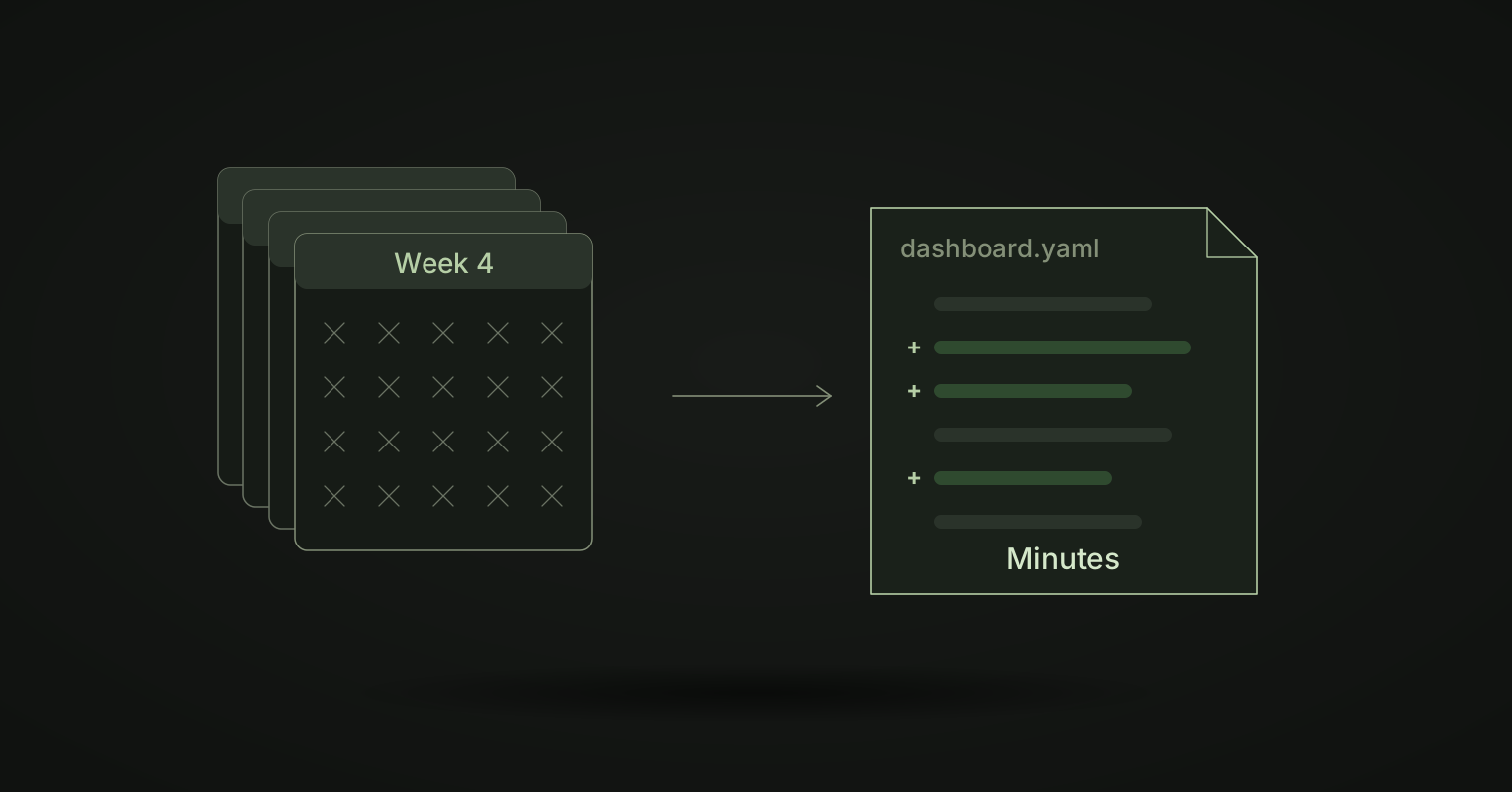
You ask for a new dashboard on Monday. It goes into the data team’s queue. Two weeks later someone starts on it. A few days of clicking later, you get a first version. You ask for two changes, and it goes back into the queue.
Most of that time is not hard work. It is waiting, and then slow, manual work in a tool only a few people know. Definite describes what happens when the person who set up Tableau leaves: “every change now requires technical intervention. Want to add a calculation to a dashboard? Call a contractor.” And people who are not builders have two choices: pay for a builder seat, or “queue up requests”.
Meanwhile, coding agents such as Claude Code, Codex and Cursor can build a working web app in an afternoon. So why can’t they build your dashboard?
Why BI work is slow
- A dashboard is clicks, not text. In most BI tools, a dashboard is stored in the vendor’s database and built in a drag-and-drop editor. Every change is done by hand, one field at a time.
- Only a few people can do it. The editor takes practice, so the work goes to the same small group. That group is the queue.
- An agent cannot help. An agent works by listing, searching, reading and editing files. A closed editor gives it none of those. The built-in chat box answers one question at a time. It cannot build the next dashboard.
- Changes are hard to check. There is no diff to review. So every change gets tested by hand, or not at all.
The fix: dashboards as files your agent can build
In Kater, a dashboard is one file
Kater is BI as code. Every layer is a file: metrics and models are Kater SQL, queries and charts are SQL files, each workspace’s dashboard is one dashboard.yaml, and apps are HTML pages. A dashboard file says which charts go where, and which filters it opens with:
filters: - order_datetiles: - chart: monthly_revenue_chart section: overview x: 0 span: 8 height: 448Your agent does the building
Connect Claude Code, Codex or Cursor through the Kater MCP. It gives the agent glob, grep, read_file, write_file and edit_file on the files you can read. Or pull a local copy and start your agent in it.
Then describe the dashboard. The agent finds the shared metrics, writes the queries and charts, and lays out the dashboard. It reuses the revenue your data team defined. It does not write a new formula.
Every change is checked and reviewable
Kater compiles every write and refuses one with an error, so a broken query never reaches a reader. Every change has a diff, a History entry and an undo. An agent tries new work in a private brainstorm folder first, and asks before anything leaves it. Read more in Files, Ask and live sessions.
People who do not code can change it too
In the browser, edit mode puts the dashboard on a 12-column grid, and you drag charts in. Or open Ask, describe the change, and Kater turns it into a prompt for your agent. With a live session, your agent can see and change the Kater tabs you have open.
Migration is minutes, not a project
If your dashboards live in another tool today, you do not have to rebuild them by hand. From Tableau, kater migrate rebuilds a workbook as a private draft in minutes and compares its numbers with Tableau. From another tool, ask your agent to migrate the dashboard. See switching to Kater.
What the new loop looks like
- You describe the dashboard, in Ask or to your agent.
- The agent builds it from shared metrics, in your brainstorm folder.
- Kater compiles it and shows the diff.
- You or the data team review it and publish.
The data team stops being a queue for layout work. It spends its time on the definitions every dashboard reads.
Frequently asked questions
Why does it take so long to build a dashboard?
The request waits in a queue, then someone builds it by hand in a drag-and-drop editor, then it goes back and forth for changes. Each step needs one of the few people who know the tool, and none of it can be handed to an AI agent, because the dashboard lives in the vendor’s database.
Can an AI agent build dashboards in Kater?
Yes. In Kater, a dashboard is one dashboard.yaml file, metrics are Kater SQL and apps are HTML. Claude Code, Codex or Cursor connect through the Kater MCP and read, search and edit those files, reusing the metric definitions your data team owns.
How do I know an agent did not break a dashboard?
Kater compiles every write and refuses one with an error. Every change has a diff, a History entry and an undo. An agent tries new work in a private brainstorm folder first and asks before anything leaves it.
Do I need to know how to code to change a dashboard in Kater?
No. You can drag charts onto a dashboard in the browser, or describe what you want in Ask, which turns your request into a prompt for your agent.
Want to watch an agent build a dashboard on your own data? Book a demo.