
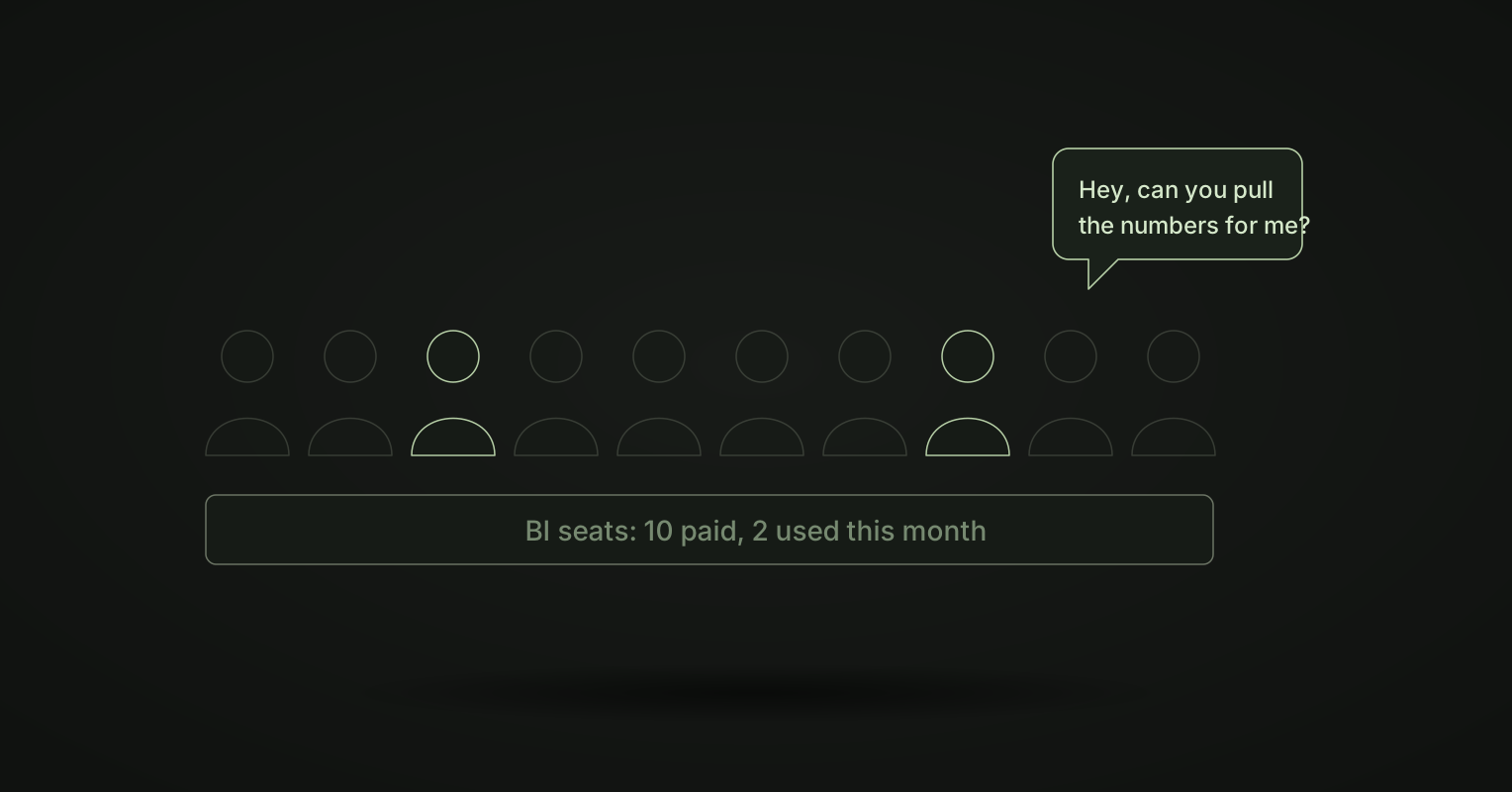
Look at your BI bill, then at your BI login report. Most companies see the same thing: a lot of paid seats, and a small group of people who use them.
Hex describes it well: “Most of the licenses barely get logged into, and business users are quietly Slacking the analytics team for numbers.” Some have moved on entirely, “dropping spreadsheets into Claude, wiring an AI assistant to their warehouse, or vibe-coding a dashboard in Cursor, because it’s simply easier than endlessly clicking around the BI tool.”
So you pay twice. Once for the seats. Again in data team hours, answering the questions the seats were meant to answer.
Why the seats sit empty
- The tool is somewhere else. People work in Slack, email and chat. A BI tool is another tab and another login.
- It asks for a skill. Finding the right model and building a chart takes practice. Someone who needs a number twice a month never gets that practice.
- The price pushes the wrong way. When every viewer is a paid seat, companies give seats to as few people as they can. The people left out send a message to the data team.
- Asking a person feels safer. If you are not sure you built the chart correctly, you ask someone to check. Then you did not need the seat.
None of this means people do not want data. It means the BI seat is the wrong shape for how most people want it.
The fix: answers where people already work
Ask in Slack, Claude or ChatGPT
In Kater, business users read dashboards and apps in the browser, or ask in Slack, Claude or ChatGPT. Nobody needs a seat in a BI editor.
Ask the Kater Slackbot in a direct message, in plain words. The answer has the figure in bold, a link to the result in Kater and the date the data runs to. It needs no Claude or ChatGPT seat, and it only reads.
Every answer uses your own Kater access. So you get the same figure you would get in Kater, and the person next to you gets the same figure too.
Read a page, not a tool
For many people, the right amount of BI is one page a week. A digest is that page. Your agent writes it on a schedule: the one thing that changed, why it moved and what to do. And an app can be a printable report or a slide deck that draws live figures and exports to PDF, Word or PowerPoint.
No charge per viewer
Kater does not charge per viewer or per dashboard. Every plan has no limit on viewers, and no limit on dashboards, apps and queries. You do not have to choose who gets to see the numbers. See pricing for how plans work.
What to measure instead of logins
When answers come in Slack and in a weekly page, logins to a BI tool stop being a useful measure. Better questions:
- How many data questions reach the data team each week?
- How long does a person wait for a number?
- When two people ask the same question, do they get the same answer?
Those are the numbers the seats were supposed to improve.
Frequently asked questions
Why do people not use the BI tool we bought?
Because it asks them to leave where they work, learn an editor and build their own chart. Most people need a number a few times a month. For them, sending a message to the data team is faster than learning the tool.
Does Kater charge per viewer?
No. Kater does not charge per viewer or per dashboard, and every plan has no limit on viewers.
Where do business users get answers in Kater?
In the browser, on dashboards and apps, or by asking in Slack, Claude or ChatGPT. The Kater Slackbot answers in a direct message with the figure, a link to the result and the date the data runs to, and it needs no Claude or ChatGPT seat.
Do answers in Slack match what is in Kater?
Yes. Every answer uses your own Kater access, so you get the same figure you would get in Kater.
Want to see your team ask questions in Slack, on your own data? Book a demo.