
Stakeholders rarely stop at a dashboard. The numbers go into a Monday review deck, a monthly report, a spreadsheet for finance, or a message in a channel. Every copy made by hand is a copy that goes stale.
Kater apps are built for that. An app is an HTML page whose figures come from your workspace’s saved queries, and this release makes two kinds of app first class: printable reports and slide decks. Every app can also export what is on screen.
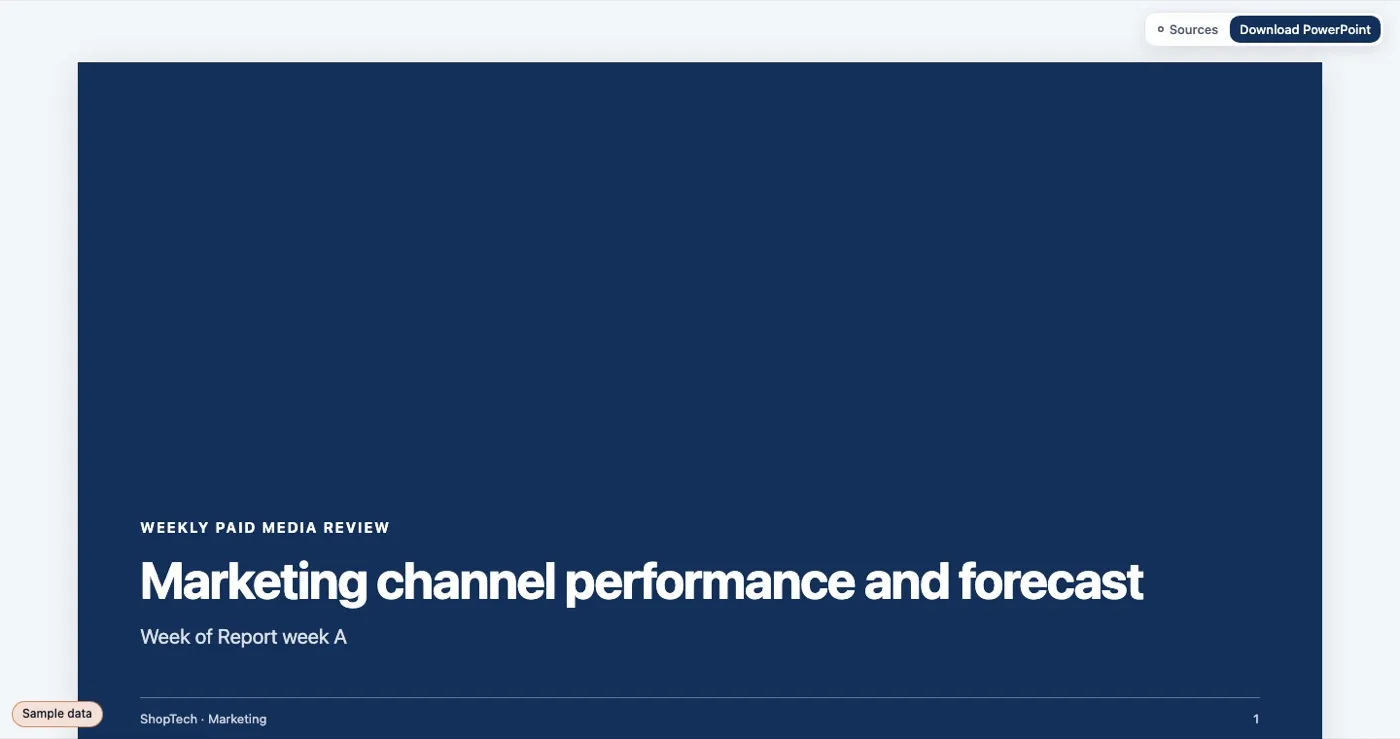
Apps are HTML with Kater tags
An app is a plain HTML page. Kater tags draw live figures from saved queries:
| Tag | Draws |
|---|---|
<kater-chart> | A chart, in the same chart shell as the rest of Kater |
<kater-table> | A table of a query’s rows |
<kater-kpi> | A headline number with its comparison |
<kater-value> | One value inside a sentence |
<kater-filter> | A filter control that feeds the page’s queries |
<kater-frame> | A frame for a custom visual, drawn by your page code from a query’s rows |
<kater-compare> | Whether two answers are the same, and the cells that differ |
<kater-appendix> | Where each figure on the page came from |
You write the layout, the words and the styles. Kater writes the numbers. Hover a figure to see its description or formula and the model, workspace and query it came from. Each one opens its query in Kater.
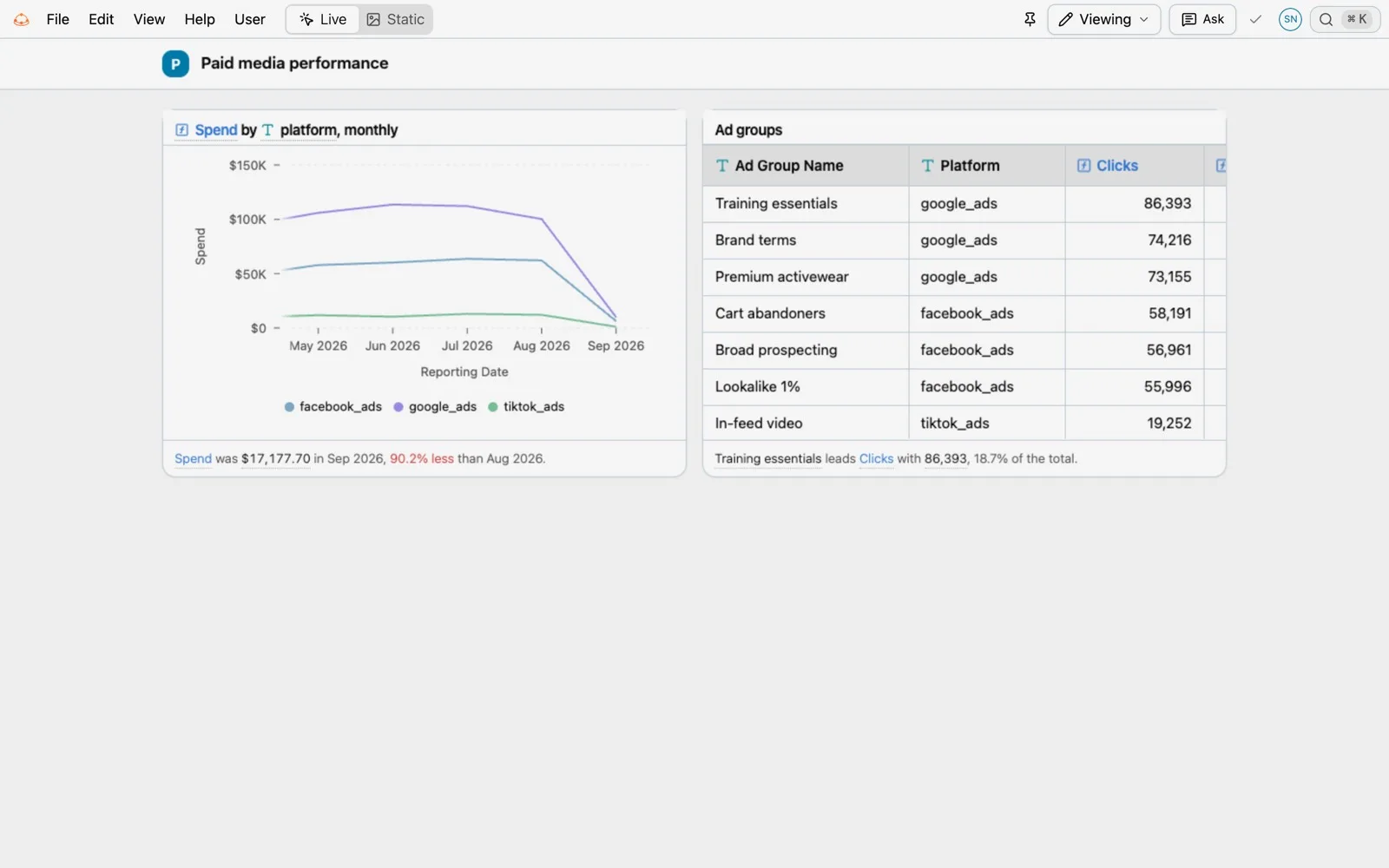
Apps run in a sandboxed frame. The page they show and the values in their filters are written into the Kater address, so a reload or a shared link opens the app as it was.
Reports
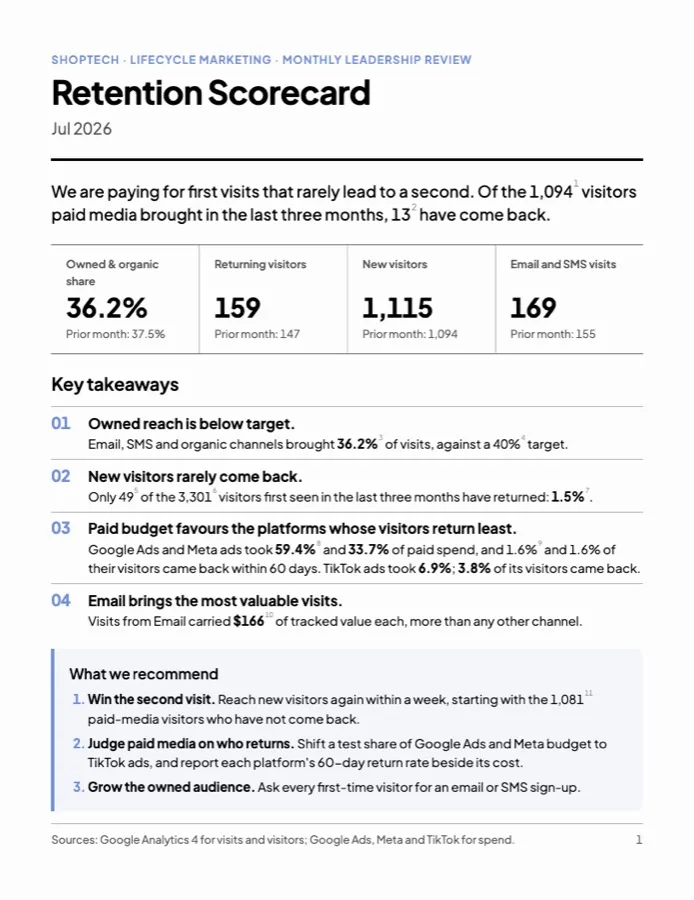
A report sets kater-template="pdf" on its root element. Kater lays it out as Letter or A4 sheets, with a masthead, page numbers and an appendix sheet that lists the source of every number:
<html lang="en" kater-template="pdf" data-theme="light"> <main class="report" data-paper="letter" data-kater-static> <section class="report-page"> <header class="report-masthead"><h1 class="report-title">Retention Scorecard</h1></header> <kater-chart query="…" kind="composed" heading="…"></kater-chart> </section> <section class="report-page report-appendix"><kater-appendix></kater-appendix></section> </main></html>The template’s stylesheet is linked at run time, so a fix to the template reaches every report.
Decks
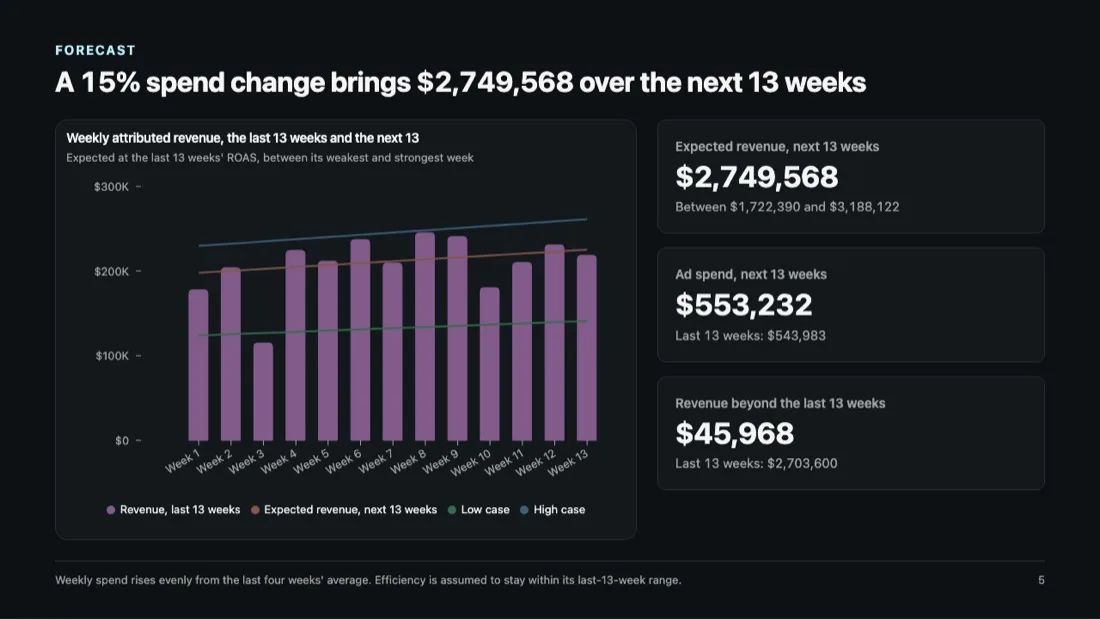
A deck sets kater-template="powerpoint" and draws 16:9 slides with speaker notes. Its PowerPoint export has native charts, native tables and editable text, with each number’s source in the slide notes.
File > Export
Every app now has File > Export. The formats depend on the kind of page:
| Page | Formats |
|---|---|
| Deck | PowerPoint, PDF (one slide a page), Markdown, Excel |
| Report | PDF (one sheet a page), Word, Markdown, Excel |
| Chat page | PDF, Word, Markdown, Excel |
| Any other app | PDF, Markdown, Excel |
- PDF opens the browser’s print dialog, laid out for paper. A page without a template prints as a snapshot, with a line that says when it was made and which filters were on.
- Word puts each sheet on its own page, with native tables, native Word charts and the appendix.
- Excel has one sheet per query on screen, typed and formatted, plus an About sheet that links each query back to Kater.
- Markdown turns each chart into a table of its figures, ready for a ticket or a chat.
Edit > Copy as Markdown copies the page. Each chart card also has Download CSV and Copy as image. Exports hold what is on screen, with the filters you set. Mark a part of the page with data-kater-export="skip" to leave it out of every format.
App settings
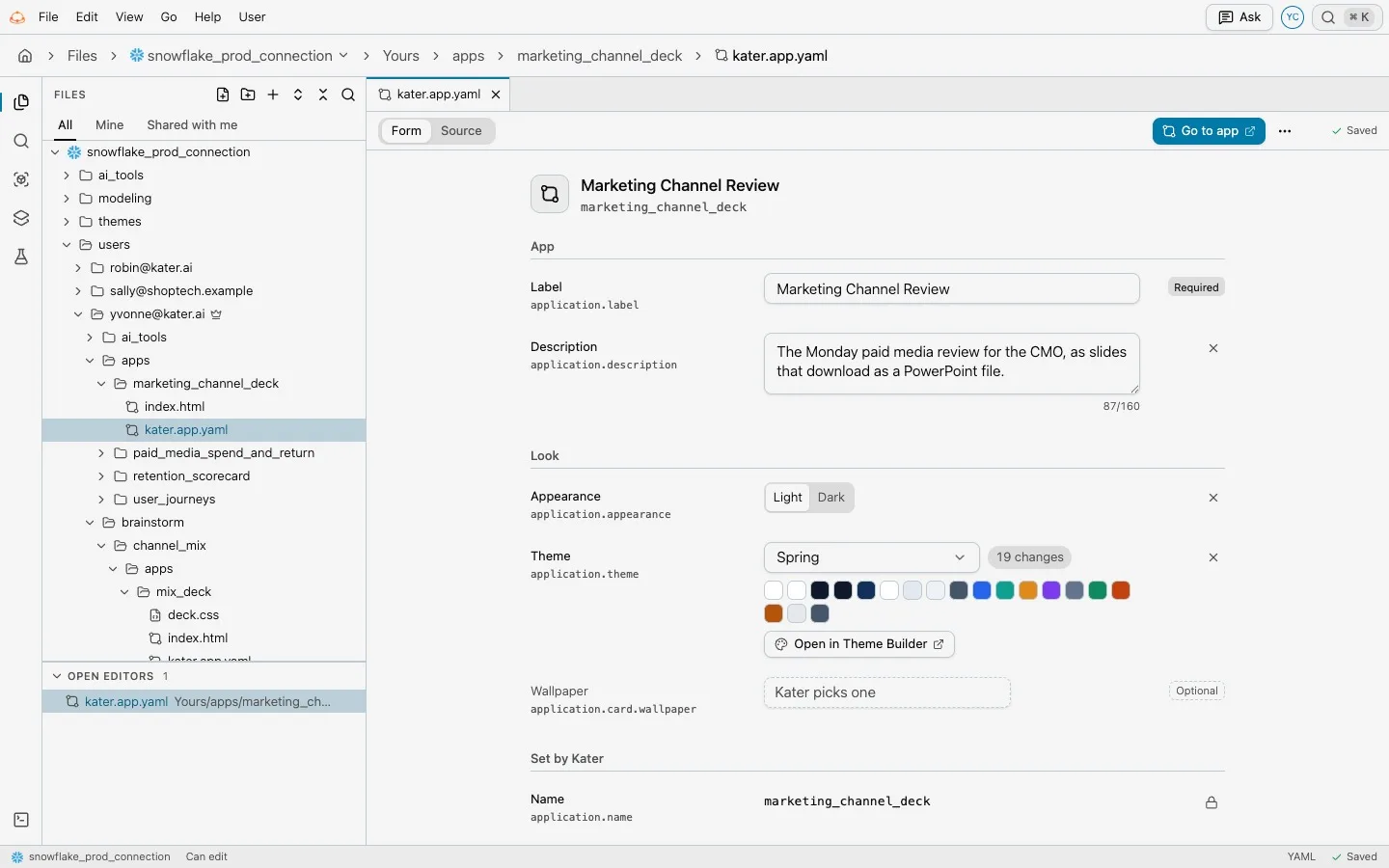
An app’s settings live in kater.app.yaml beside its pages: label, description, appearance and theme. In Files, the file opens as a form. The theme names a Kater preset or your data team’s theme, and stores only the tokens the app changes, so the app keeps receiving fixes and new tokens from the preset.
Current limits
- PDF uses the browser’s print dialog. There is no server-side PDF renderer.
- Report and deck pages cannot hold
<kater-filter>controls. Their period comes from the data. - Pages that show sample data cannot be exported.
- A chart that Word cannot draw natively is exported as a picture.