
Most people who read your data know spreadsheet formulas, not SQL window functions. “The row above” is B4. A running total is SUM(B$1:B5). A share of the column is B5/SUM(B:B). Writing the same thing in SQL needs LAG, frames and partitions.
Kater SQL now accepts Excel formulas. A query column can be a formula, written in a formula bar over the results. Kater stores it by column name, lowers it to plain SQL when the query compiles, and runs it on your warehouse like any other field.
How it works
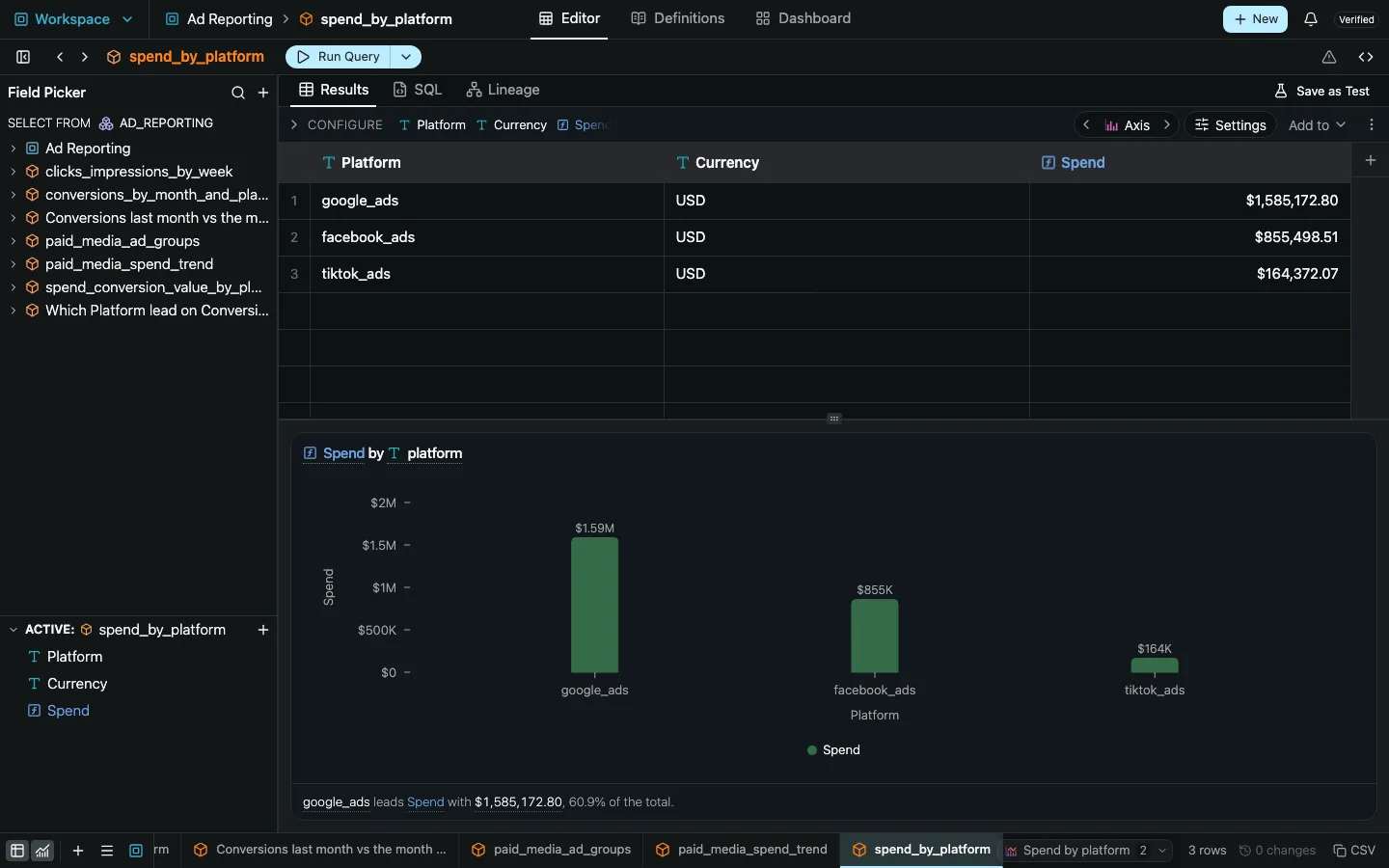
- In a workspace’s Results grid, select a column and type
=. A name box shows the active cell, such asC3. - Write the formula. The bar offers completions, signature help, hover and error marks, and colors each reference.
- Preview values appear in the column before the warehouse runs. When the run returns, the warehouse’s values replace them.
- Press Enter. Kater checks the formula on one row in the warehouse, then writes one change: a new field beside the selected column, with a format taken from its inputs, and any sort the query needs.
Stored by name, shown by position
In the bar, a reference is a letter and a row, read against the columns on screen. In the file, it names a column of the query’s result, so moving a column breaks nothing.
| In the bar, on row 5 | In the file | Reads |
|---|---|---|
B5 | [@revenue] | this row’s value |
B4 | [@revenue:-1] | the value one row above |
B$1 | [@revenue:$1] | the first row’s value |
B$1:B5 | [@revenue:$1]:[@revenue] | the values from the first row to this one |
B:B | [revenue] | every row’s value |
B_TOTAL | [#total revenue] | the measure over every row at once |
A field holds the formula’s text as its whole body, inside the field type the formula calls for. A formula that reads only its own row is a dimension:
DIMENSION('margin', EXCEL('=[@revenue]-[@cost]')) AS "Margin"The file spellings are Excel’s own structured references for a table, with the row added after a colon. Because the formula is stored as text, “the row above” keeps meaning the row above on screen, in the query’s own sort.
82 functions
The catalog covers logic, math, text and dates, and the row and aggregate functions that make formulas useful over a result:
- Logic:
IF,IFS,AND,OR,IFERRORand more. - Math:
ROUND,ABS,MOD,POWERand more. - Rows and aggregates:
SUM,AVERAGE,SUMIFS,COUNTIFS,RANKand more. - Text:
CONCAT,LEFT,UPPER,SUBSTITUTEand more. - Dates:
EOMONTH,NETWORKDAYS,DATEDIFand more.
Any column can also go the other way. Column menus offer Convert to SQL and Convert to Excel formula.
A grid that works like a sheet
The result grid itself now behaves like a spreadsheet:
- A name box shows the active cell or range.
- Preview values appear before the warehouse runs.
- Selecting numbers shows their Sum, Average and Count.
- Drag a column heading to reorder columns. Formulas do not change, because they refer to columns by name.
The same works from a terminal:
kater new field --excel "=B5-C5" --row 5Current limits
- A formula fills a whole column. There are no single-cell formulas and no free-form sheet.
- Lookups (
VLOOKUP,XLOOKUP,INDEX,MATCH), spill functions,OFFSET,INDIRECT,LETandLAMBDAare refused, with the reason. - A formula that reads other rows needs a sorted query. The bar adds the sort for you.
- Values follow SQL: dividing by zero gives an empty value, not
#DIV/0!. - Each Enter costs one extra one-row warehouse run, to check the formula before it is saved.
- Previews can differ from the warehouse in rounding, dates and empty values. The preview runtime loads only when you open a formula bar.
- Formulas live in workspace queries and Sandbox statements. Shared models never hold an Excel formula.